
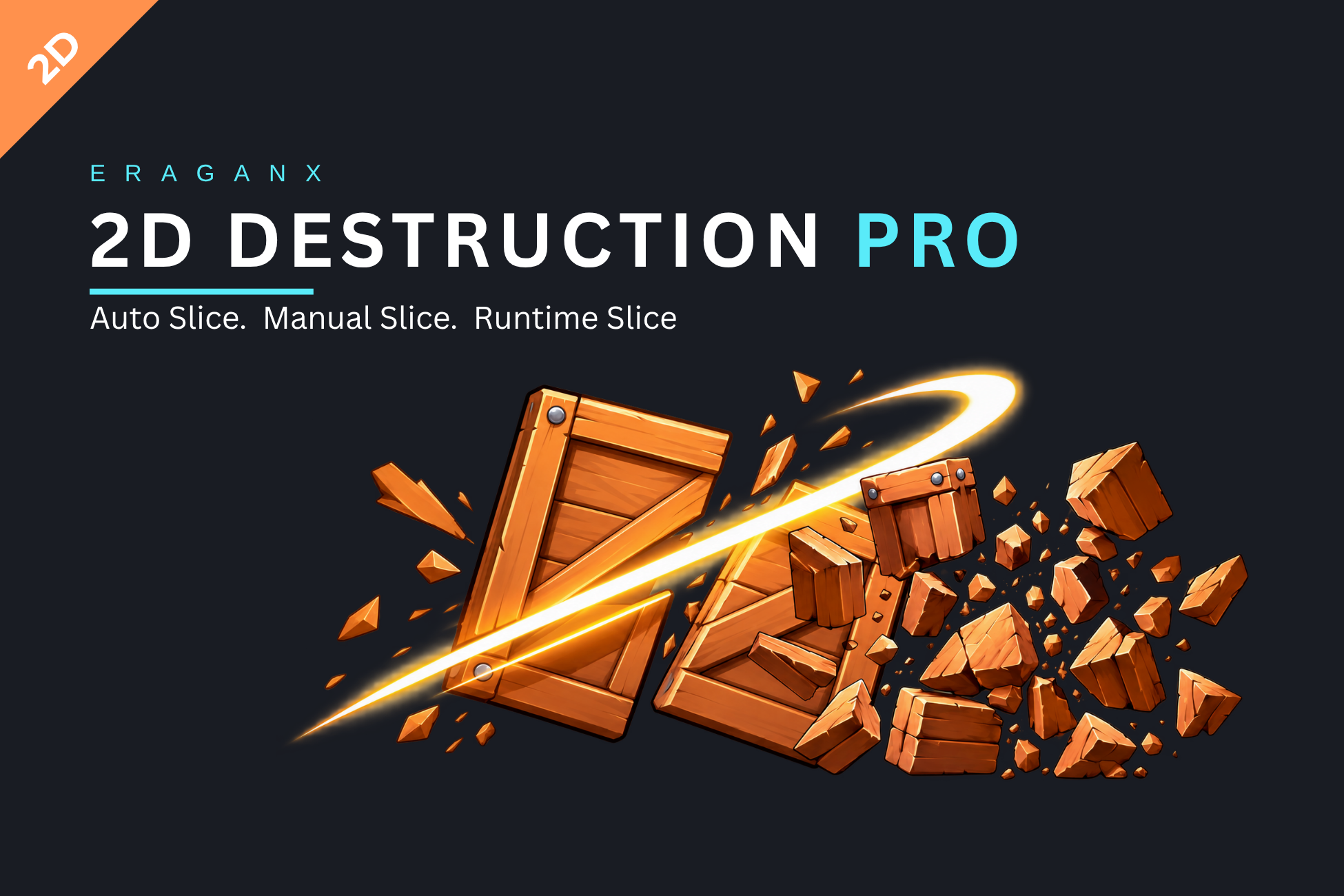
Build a breakable prop, author its fragments, or let a player cut supported sprites during gameplay. 2D Destruction Pro brings these workflows together through shared mesh generation, colliders, physics, pooling and reassembly.
Three ways to break it down#
| Workflow | A good starting point |
|---|---|
| Auto Grid | Grid-based breakable props and crates, with columns, rows, jitter and a fracture seed. |
| Manual Slice | Authored straight cuts or polygon regions, named fragments and reusable exports. |
| Runtime Slice | Gameplay cuts using lines, finite segments or ordered paths against supported source geometry. |
Follow your workflow#
Beyond the first cut#
Export authored fragments as transparent PNG Sprites or a combined prefab. Use detailed results to score pieces by polygon area, identify their parents and track their share of the original source. Choose a contact-based or ballistic motion backend to match the scene, then set independent geometry and pool budgets.
Runtime cutting requires a supported single convex source contour. Manual authoring supports additional region shapes, but saved ManualSliceData does not remove the runtime source restrictions. Start with slicing modes to choose the right route.
Guide baseline#
The supplied 29-page guide uses Unity 6000.3.13f1 as its baseline. Core slicing does not require URP, Input System, Burst or Collections. Optional integrations and their scope are covered in installation and physics and pooling.
This web edition includes all 18 supplied UI images and the four supplied video links. Keep the original English PDF available for reference.