
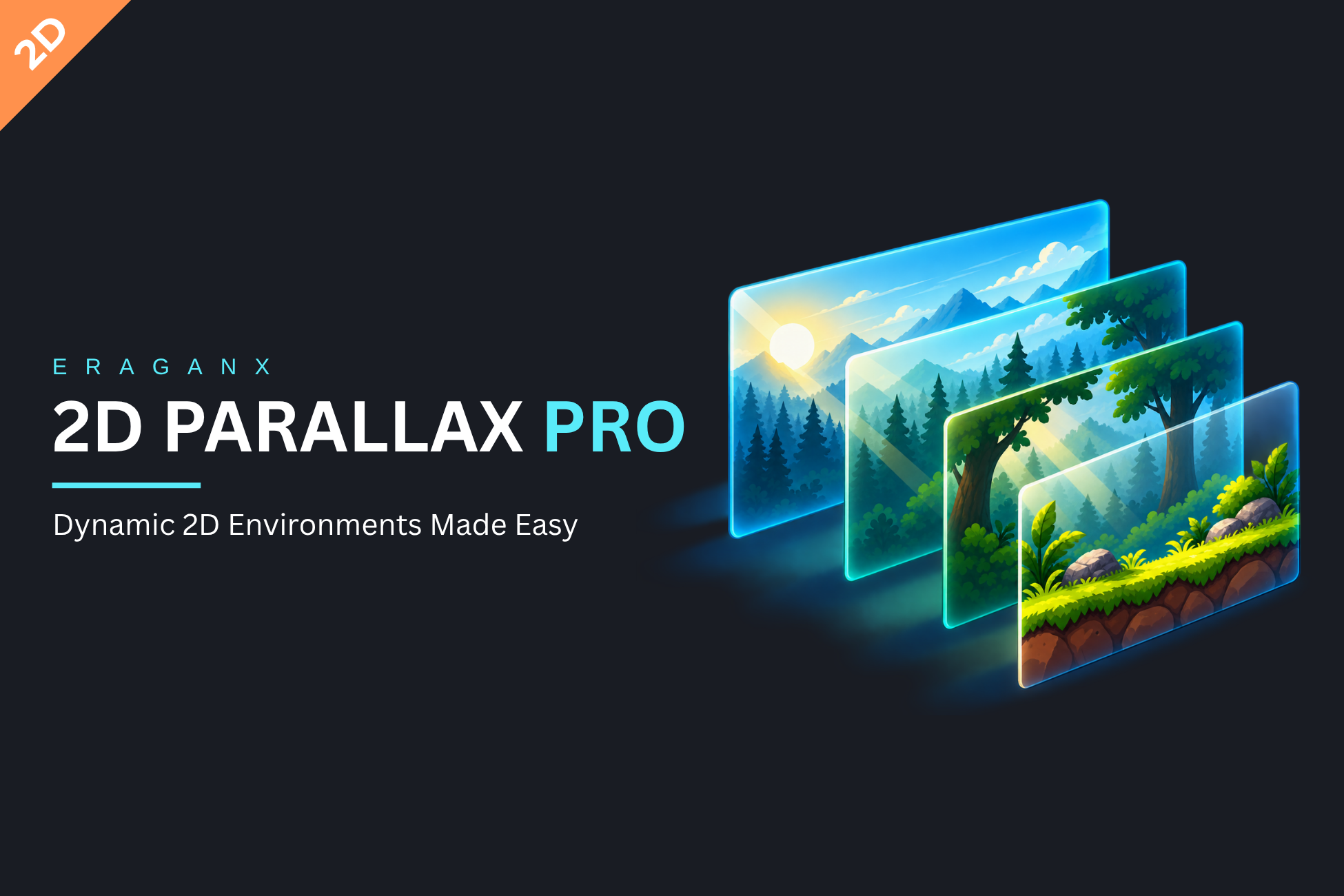
Create depth with independently moving layers, then add a clock, color changes, celestial visuals and atmosphere. Begin with one working camera/layer setup and add the features your scene needs.
How parallax works#
Factor describes world-space layer motion relative to camera displacement. Background/Foreground placement does not change the factor.
layerPosition = baseline + (camera - reference) * factor + offset + drift| Factor X | Camera moves +10 units | Apparent movement relative to camera |
|---|---|---|
| 0 | Layer moves 0 | -10; fixed in world space. |
| 0.5 | Layer moves +5 | -5. |
| 0.8 | Layer moves +8 | -2; resembles distant scenery. |
| 1 | Layer moves +10 | Stationary relative to the screen. |
| -0.2 | Layer moves -2 | -12; foreground passes faster. |
X/Y factors are independent. Y = 0 keeps world Y fixed; try a small Y factor for a little vertical response. Factor is not units/second.
Choose your starting point#
Your Control Panel#
This website uses the newer screenshots supplied with your request. Their layout and populated values can differ from the original PDF figures; they illustrate the relevant controls rather than mandatory defaults.
What the toolkit covers#
- Camera Driven, Auto Scroll and combined motion.
- Layer factors, offsets, sorting and axis-aligned sprite looping.
- Clock/events, layer/sky colors, optional lighting and Sun/Moon visuals.
- Wind sway, fog bands, clouds, light shafts and particle styles.
- Reusable presets, quality budgets, transitions and runtime C# controls.
The guide targets Unity 6000.3.13f1 and 1.0.0-development source. Core parallax does not require URP; authored Light2D/shadow integration uses the optional URP 17.x bridge. The connected guide project used URP 17.3.0.
Keep gameplay, collisions and production camera/player movement in your game systems. Generated scrolling sprites do not clone gameplay hierarchies. See Checklist, glossary & scope for exact compatibility limits.