
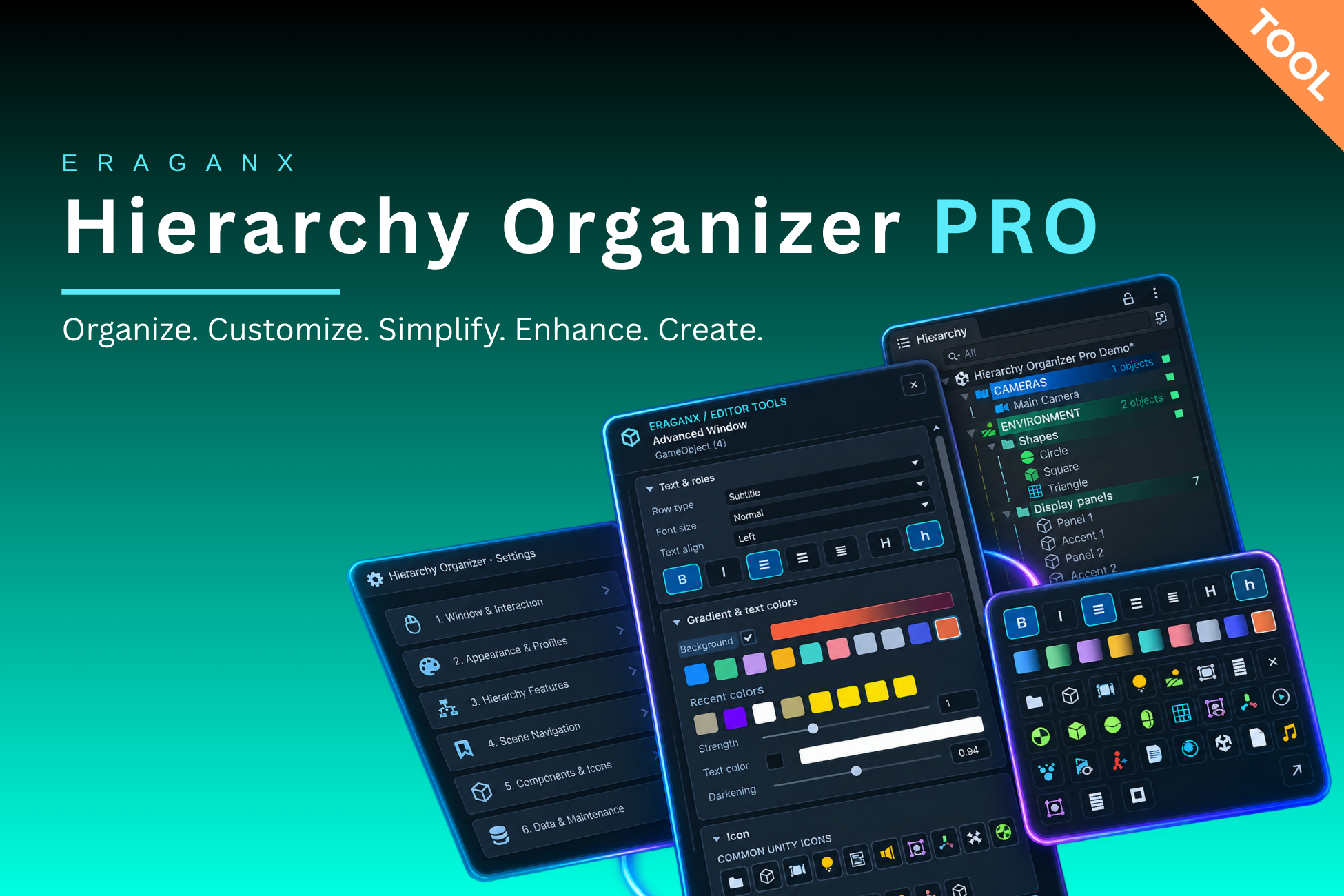
Make your Hierarchy easier to scan with colors, typography, icons and reusable styles. Work on existing GameObjects, then save the presentation and project metadata alongside your scene.
A clearer Editor workspace#
| Area | What you can do |
|---|---|
| Presentation | Horizontal gradients, text colors, bold/italic, uppercase display, alignment and native-height Title/Subtitle roles. |
| Organization | Reusable headers/subheaders, explicit child backgrounds, object counts and metadata notes. |
| Editor utilities | Optional activation controls, component mini editing, local tree connectors and a compact scene bookmark bar. |
| Project data | Store styles/assignments in ProjectSettings; export preset/configuration JSON for backup and sharing. |
Styling keeps actual GameObject names, hierarchy structure and components intact. Activation controls and component-property editing explicitly change real objects. Hierarchy presentation itself is Editor-only and does not appear in a built Player.
Choose your starting point#
Two kinds of saving#
Quick and Advanced row edits apply immediately. Settings edits to a reusable style remain a draft until explicitly saved. Profiles and presets apply snapshots; changing the recipe does not rewrite existing assignments.
Save your scene so objects have durable identities, and preserve the related ProjectSettings metadata. Backups, imports & teams explains the separate Settings and Assignments categories.
Before you begin#
The publisher's compatibility statement is Unity 6000.3.13 or newer; earlier Unity versions have not been tested. The supplied English guide inspected Unity 6000.3.13f1 and an Editor-only extension. Styling has no URP, camera, shader or scene-manager requirement. Verify extension combinations in your own project.
The optional code example uses ERAGANX.HierarchyOrganizerPro.Core from the ERAGANX.HierarchyOrganizerPro.Editor assembly. Keep it in an Editor folder/assembly. See Editor C# & API reference.